Make games for Core8Bit
The SDKs, the emulator, the file formats and the publishing guide. The docs are being written now; each section opens here as soon as it is ready.
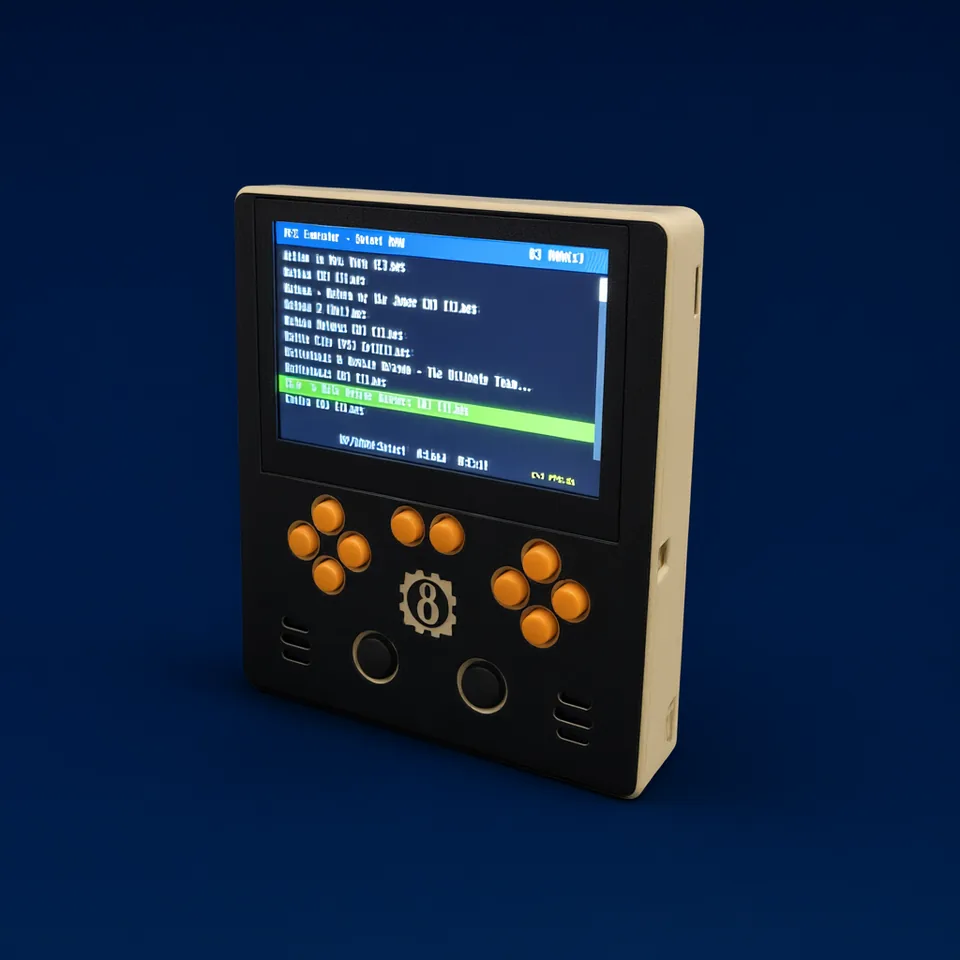
Documentation
From your first Lua file to native plugins, the hardware and publishing.
Lua SDK
The main way to make games: a Lua API for graphics, sprites, sound, input and saves.
Plugin SDK (C/C++)
Write hot paths natively and call them from Lua, or build a whole engine. Same API on hardware and in the emulator.
Emulator
Run and debug games on your computer with the same builds the console runs.
Being writtenAsset formats
STI images, STA sprite tables and STF fonts, made for the STM32H7 graphics hardware.
Being writtenPublishing
Packaging a signed cartridge, the store page and Greenlight.
Being writtenHardware & platform
Pinout, memory map, power, parts list and the step-by-step build guide.
A first look
Every game has one required callback, c8b.update(), which the system calls once per frame.
local gfx = c8b.graphics

function c8b.update()
    gfx.clear()
    gfx.drawText("Hello Core8Bit!", 10, 10)
end